Standish Download

Sign it. Stamp it.
Get on with your day.

Standish puts your signature, initials or company stamp on a PDF. On your Mac, and now on iPhone and iPad, with the same stamp library on all three.

Download on the App Store

$14.99, once, for Mac, iPhone and iPad. No subscription.

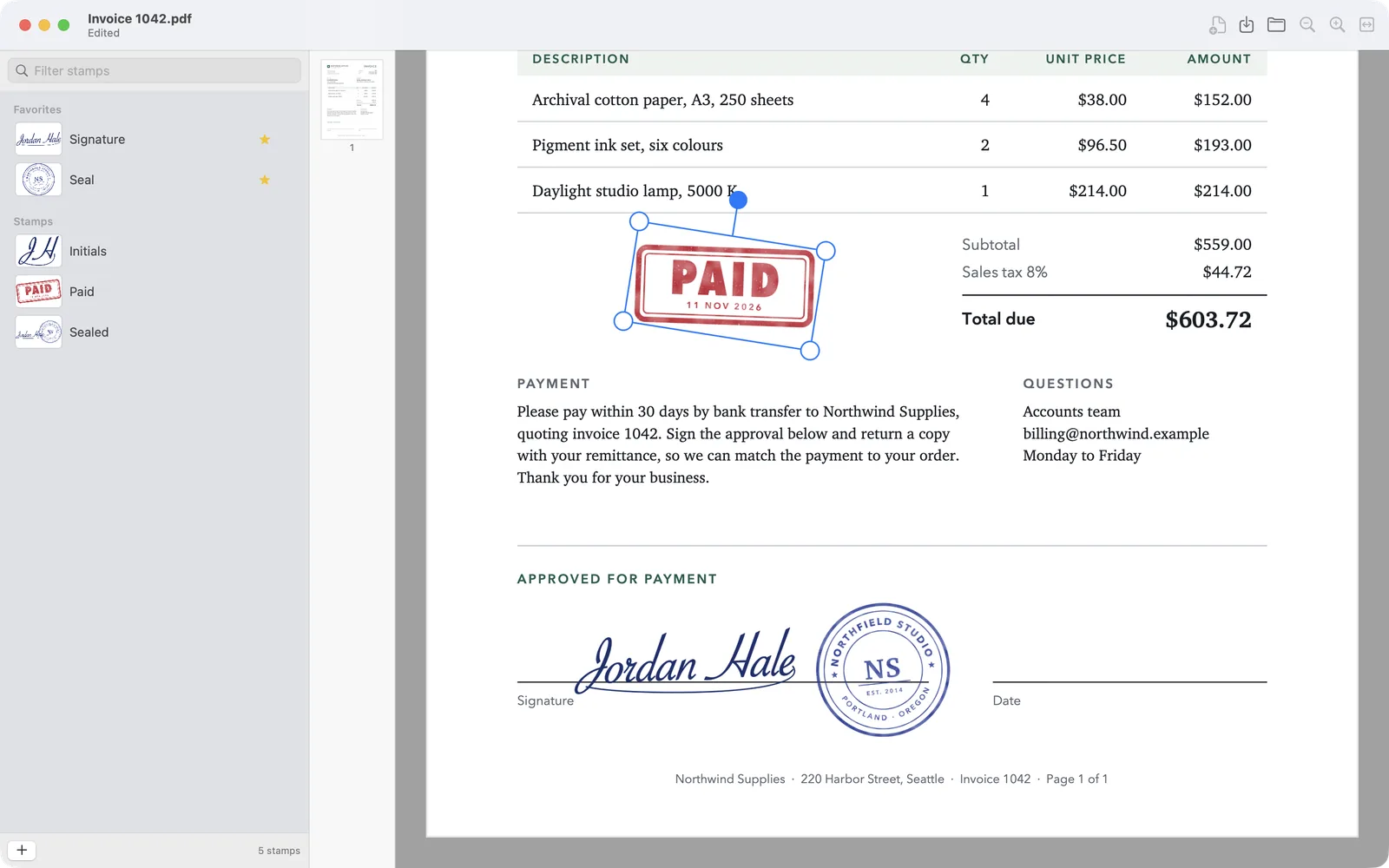
Standish on the Mac: the stamp library in a sidebar, and an invoice signed by Jordan Hale, with a company seal beside the signature and a red PAID stamp. The PAID stamp is selected, with handles to resize and rotate it.
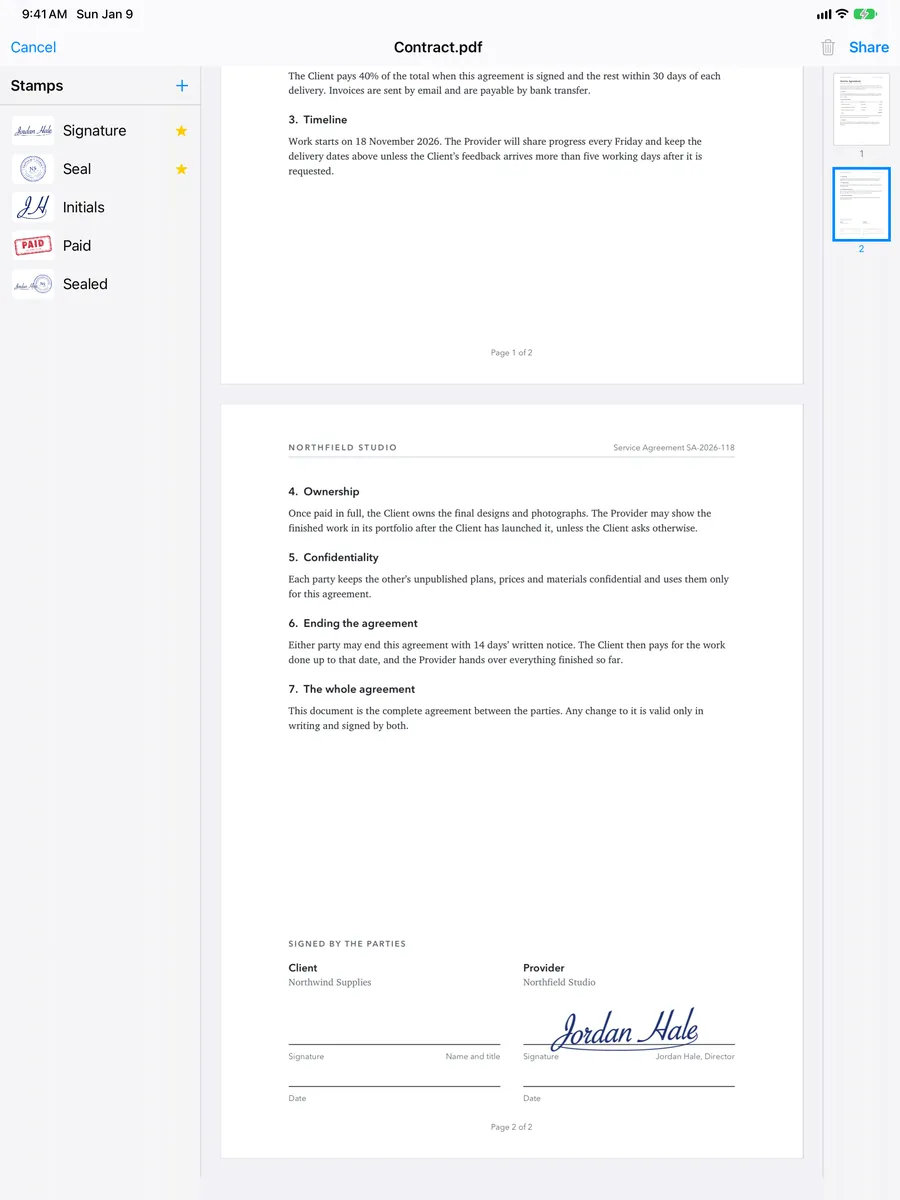
Standish on iPad: a two-page contract open, signed by Jordan Hale, with the stamp library in a sidebar on the left.
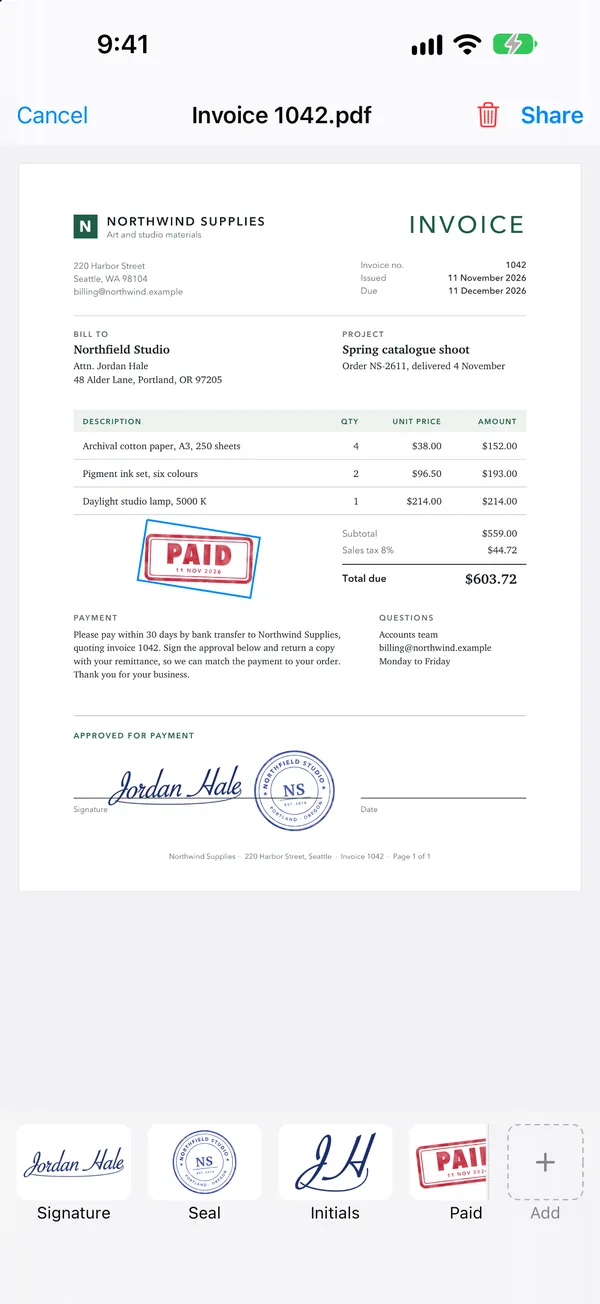
Standish on iPhone: an invoice with a red PAID stamp placed on it at a slight angle, and the stamps in a strip along the bottom.

The signature tool in Apple's Markup and Preview keeps only signatures you draw by hand or capture with the camera. It cannot keep a company seal, a “PAID” stamp or a ready-made stamp with your signature on it. Standish can.

Sign it where you are.

A PDF arrives by email, in a chat or as a download. Open it in Standish, place your stamp, and send the signed copy back from your iPhone or iPad.

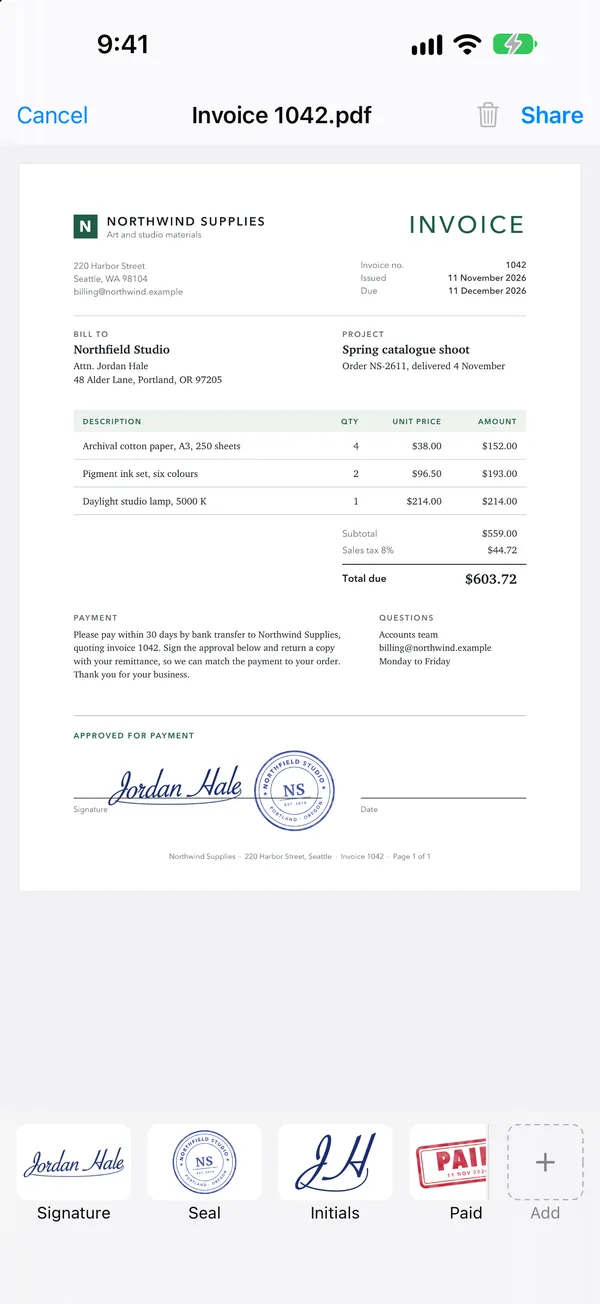
  1. Invoice 1042 open in Standish on iPhone, with the stamps Signature, Seal, Initials, Paid and Sealed in a strip along the bottom.

    Open the PDF

    In Mail, Files or any other app, tap Share and choose Open in Standish.

  2. A red PAID stamp placed on the invoice, turned slightly.

    Place your stamp

    Tap a stamp in the strip, or drag it onto the page. Move it with your finger, pinch to resize, twist to rotate.

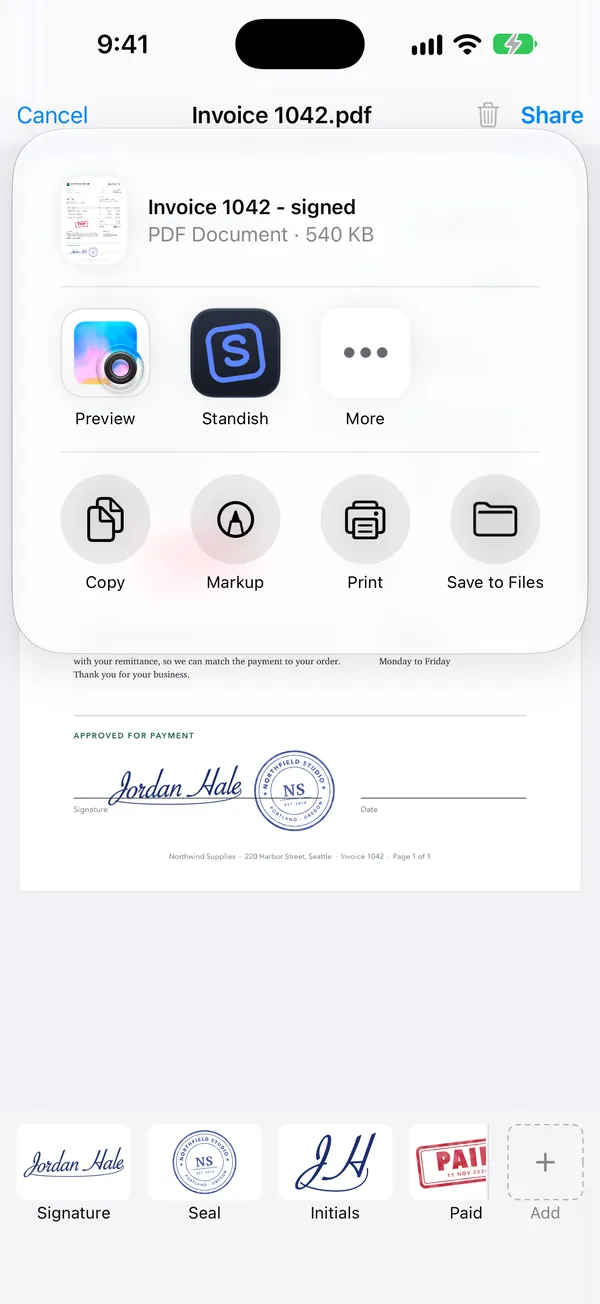
  3. The share sheet offering “Invoice 1042 - signed”, a PDF document, to Mail, Files, Print and other apps.

    Share the signed copy

    Tap Share and send “Invoice 1042 - signed.pdf” back by Mail or any other app.

On iPad, a sidebar

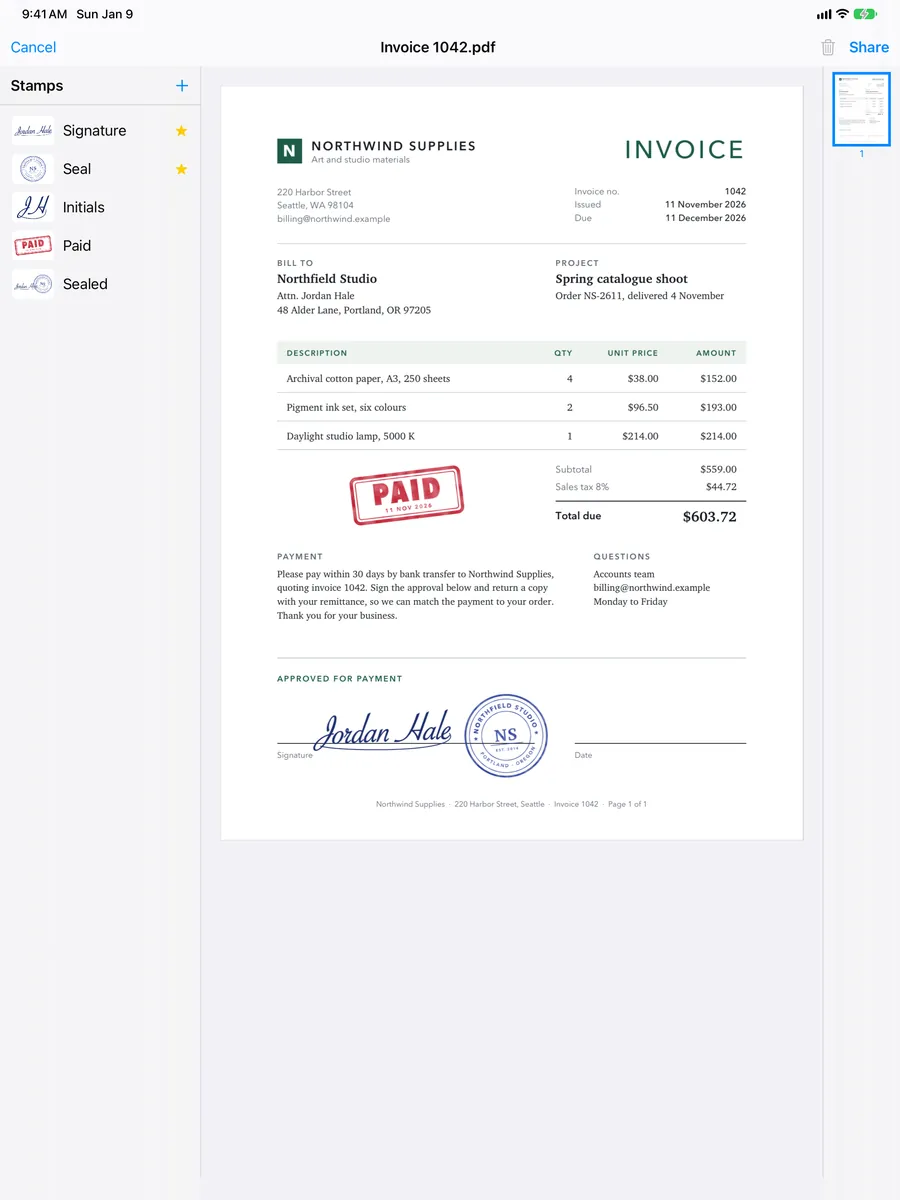
Your stamps sit in a sidebar beside the page, with page thumbnails for long documents. Tap one, or drag it to where it belongs.

No Mac needed

Add stamps right on the iPhone or iPad, from Files, Photos or the clipboard.

Every company, every mark.

Keep as many stamps as you need in one library: a signature, initials, a company seal, “PAID”, “APPROVED”, or a stamp and signature combined.

  • Any PNG or JPEG, with or without a transparent background.
  • Star your favorites and they come first.
  • Add your signature or stamp as an image from Files, Photos or the clipboard, and Standish places it.
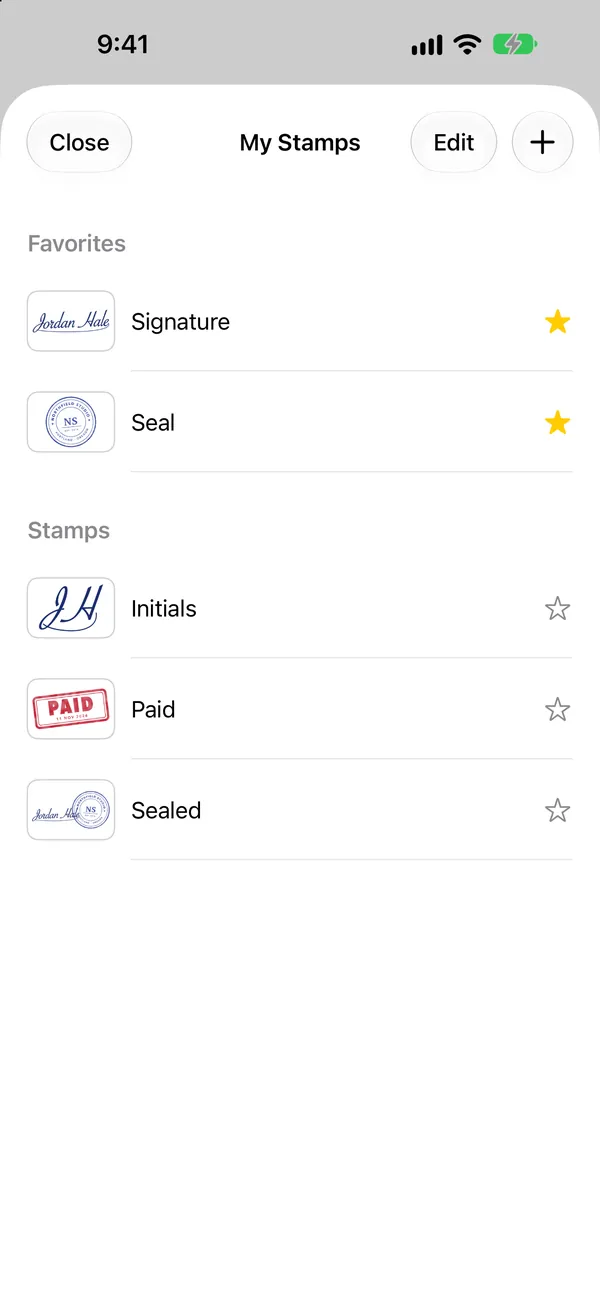
My Stamps on iPhone: Signature and Seal under Favorites, then Initials, Paid and Sealed.
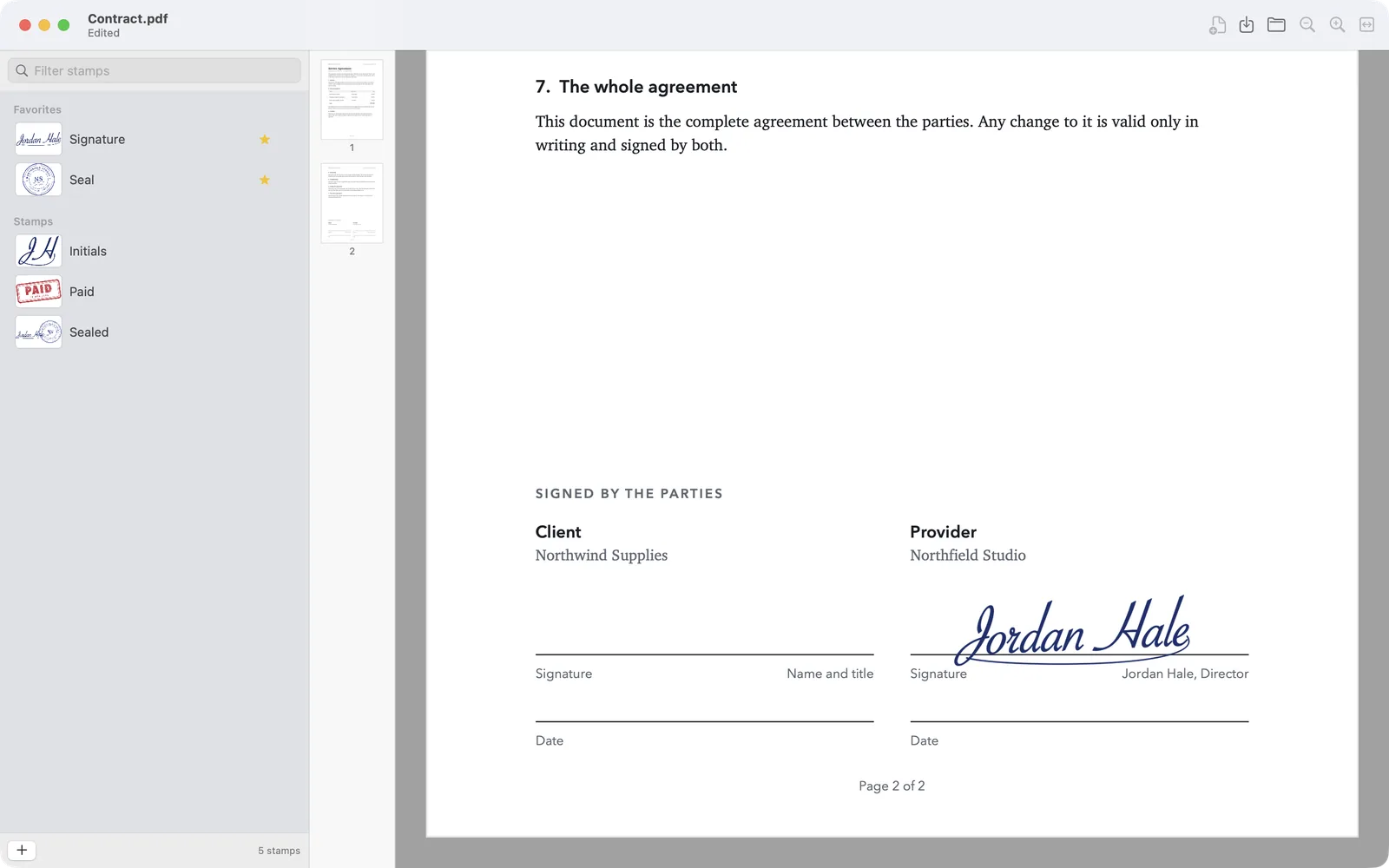
The Standish window on the Mac: the stamp library on the left, and the last page of a service agreement, signed by Jordan Hale on the Provider line.

On the Mac, the same few moves.

Drop in a PDF, or press ⌘O. Place a stamp with a double-click or a drag, then move, resize and rotate it, and save.

  • Page thumbnails and keyboard shortcuts for long documents.
  • Drag stamps into the order you want, rename them in place, and filter a long list.

It remembers how you stamp.

A real stamp never lands perfectly straight. The small tilt is what makes it look like a person did it. Each stamp remembers the size and rotation you last used, so the second time is one tap, or one click on the Mac.

The stamp is flattened into the page, so the PDF prints and shares exactly as you see it.

Standish on iPad with the same five stamps in the sidebar: Signature, Seal, Initials, Paid and Sealed.
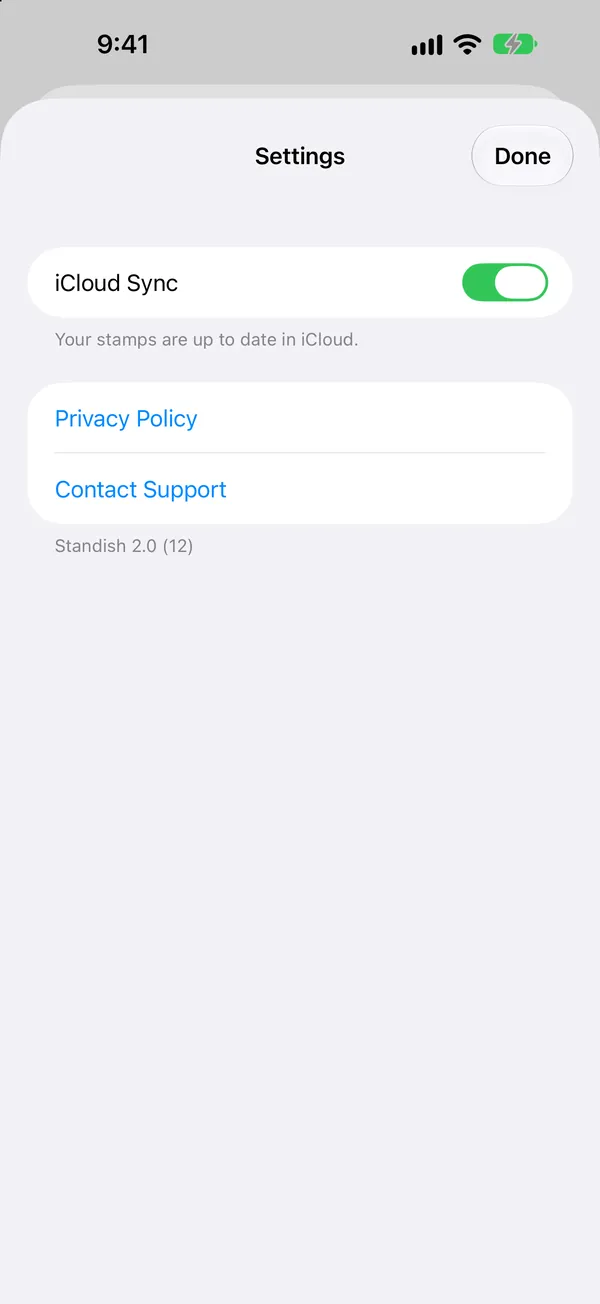
Standish Settings on iPhone: iCloud Sync is on, and your stamps are up to date in iCloud.

Your library follows you.

iCloud Sync is optional. Standish asks once, the first time you open it, and there is a switch in Settings. With sync on, your stamps, their names, order, favorites and sizes are kept in your own private iCloud and are the same on every device. A change on one usually shows on the others within seconds.

  • No Standish account, and no server of ours.
  • Your documents are never synced.
  • Turn sync off and every stamp stays on your device.

The short version.

As simple as a hammer.

Standish exists because signing documents meant dancing between apps: a signature in Preview, a stamp in some aging utility that warns you it won't survive the next update, and every PNG landing at its full original size, waiting to be wrestled down. Again. On every page. The usual way out is a big PDF suite full of tools you need once a year, for what amounts to placing a picture on a page.

So: your marks, your documents. Place, save, send. No text editing, no form filling, no annotation toolbars. Standish is for the thing you do every day.

And no automation. You read what you sign, and every mark lands by your hand.

A standish is the tray on an old writing desk that kept ink and pens within reach. This one lives in your Dock, and now in your pocket.

Questions

How do I make a stamp?

Add it as an image, a PNG or JPEG: a scan, a photo, or an export from a design app. On iPhone and iPad you can add it from Files, Photos or the clipboard. A PNG with a transparent background sits most naturally on the page, and Standish places it where you need it.

How do I get a clean image of my signature?

Sign in dark ink on plain white paper and take a photo in even light, with no shadow across the page. Then remove the paper, so that only the ink is left, and save the picture as a PNG. On a Mac, Preview does this for free: open the photo, choose Instant Alpha in the Markup toolbar, drag across the paper and press Delete. Canva's Background Remover does it as well, on Canva's paid plans. A company seal works the same way: stamp it on white paper first. Then add the PNG to Standish as a stamp.

Do I need to buy it again for iPhone and iPad?

No. You pay once for Mac, iPhone and iPad. If you already bought the Mac app, the iPhone and iPad app is included at no extra charge.

Do I need a Mac to use it on iPhone or iPad?

No. Add stamps right on the iPhone or iPad from Files, Photos or the clipboard, and sign there.

What does iCloud Sync store, and where?

Only your stamp library: each stamp's image with its name, order, favorite mark and remembered size and rotation. It is kept in your own private iCloud, which we cannot see. Your documents are never synced. Sync is off until you turn it on.

Is a stamped PDF legally binding?

That depends on your jurisdiction and the document. Standish places an image of a signature or stamp, the same result as printing, signing and scanning. For documents that require certified digital signatures, use the tool your counterparty requires.

Does it change my document?

It only adds your stamps on top of the pages, then saves. Text, layout and everything else stay as they were.

What do I need to run it?

macOS 14 or later on a Mac, iOS 17 or later on iPhone, or iPadOS 17 or later on iPad.

Something else? Write to hello@standish.app. A person answers.

Put the inkwell back on the desk.

Download on the App Store

$14.99, once, for Mac, iPhone and iPad. Sold by Alexey Prudkov on the App Store.